
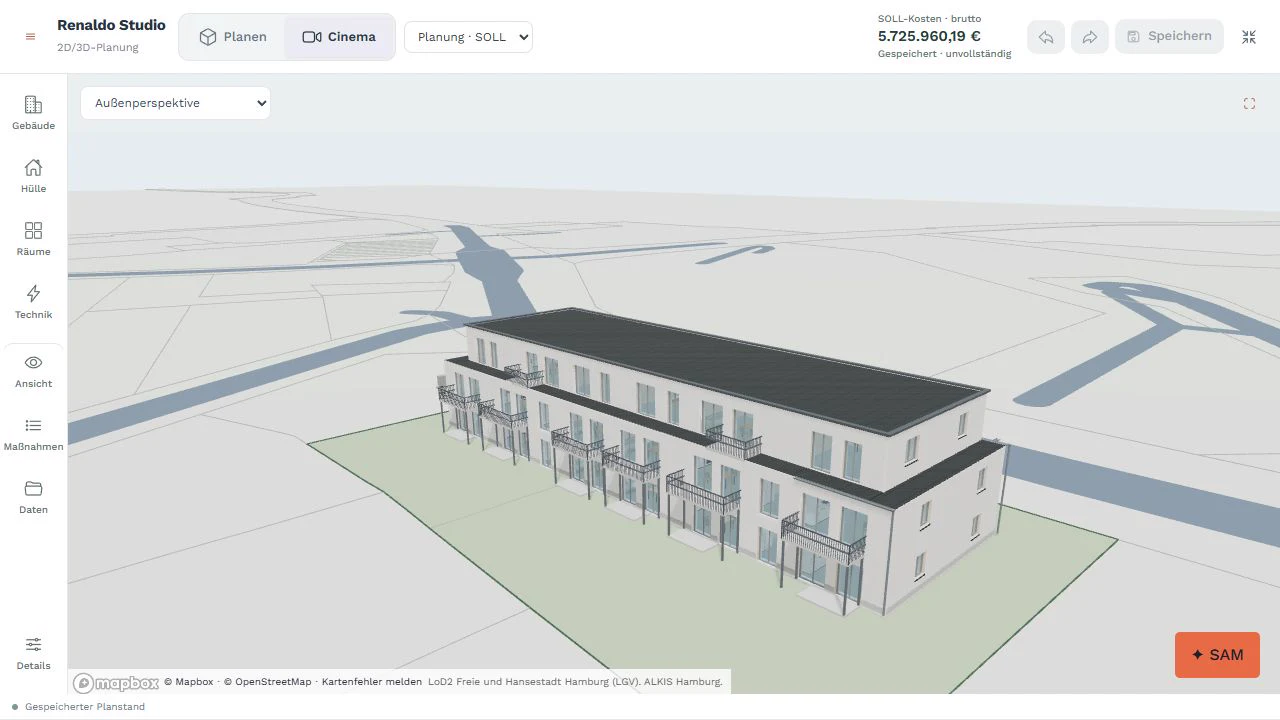
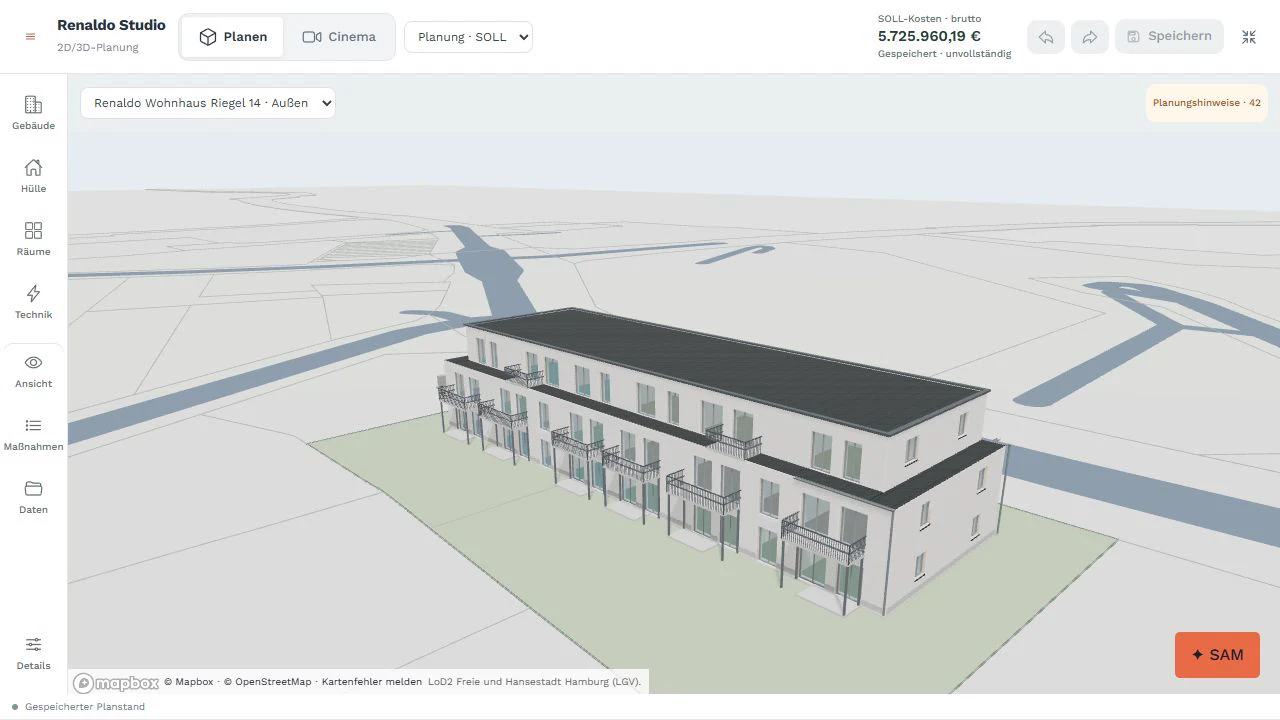
Shape the exterior.
Edit roof form, surfaces, insulation, windows and balconies on the building. See element quantities and the associated work items right alongside.
From the building envelope to the individual room: design your building directly on the model. From it, Renaldo calculates and generates plans, costs, bills of quantities and construction schedules automatically in a few clicks. For new builds and renovation. With SAM – the AI that knows your project.
Explore a garden villa with approx. 175 m² of internal living space and 46 m² of terraces in Studio: exterior, floor plan and interiors. Plus the calculated costs, planning documents and Gantt chart from the same model version.
The film shows an example house design, not a binding offer from a house manufacturer.
Plan your own house in StudioFor house & prefab providers (DE)The video cannot be played right now. Open the video directly
Neubausprint and Sanierungssprint are integrated into Renaldo’s construction scheduling – optionally combined with conventional, serial or robotic production and assembly.
Your model generates plans, costs, bills of quantities and schedules automatically. A few clicks. Your review.
Try it with your own projectThe warm light at the dining table. The materials in the kitchen. The view of the garden. In Cinema, the design becomes a space you can explore before it is built.
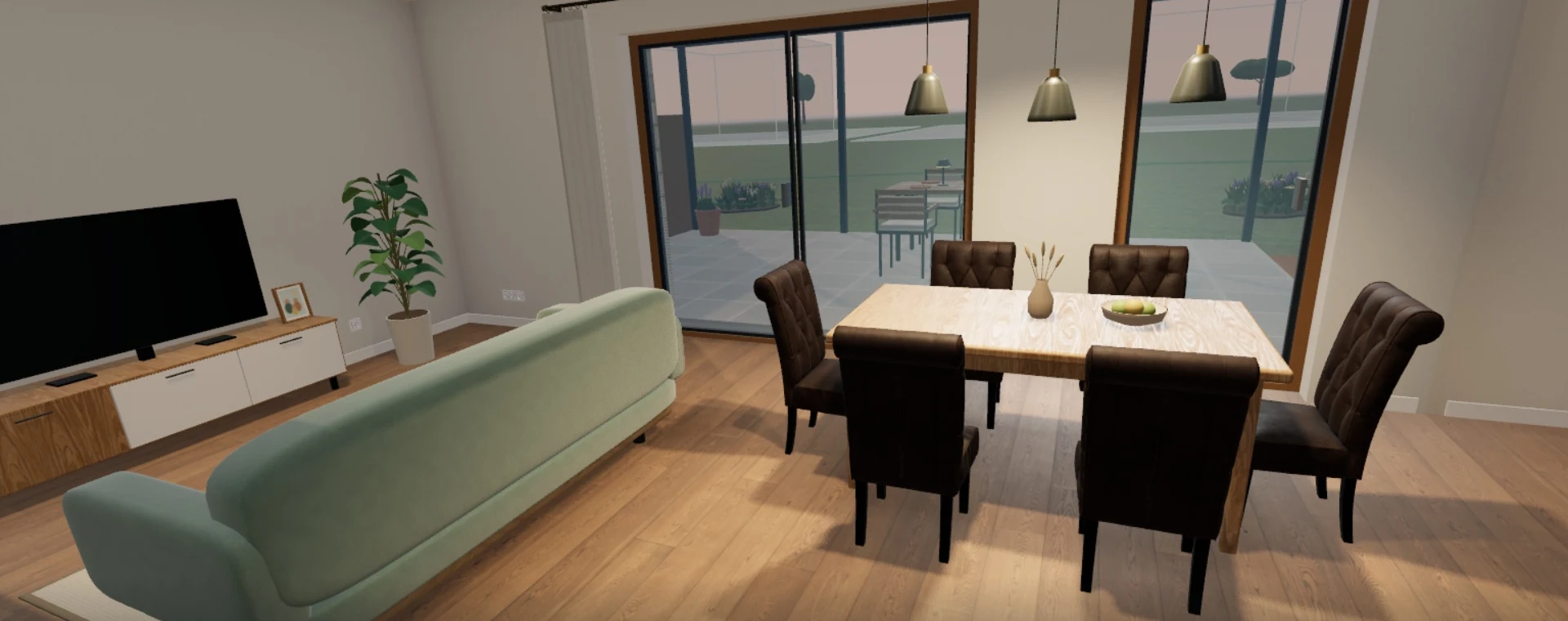
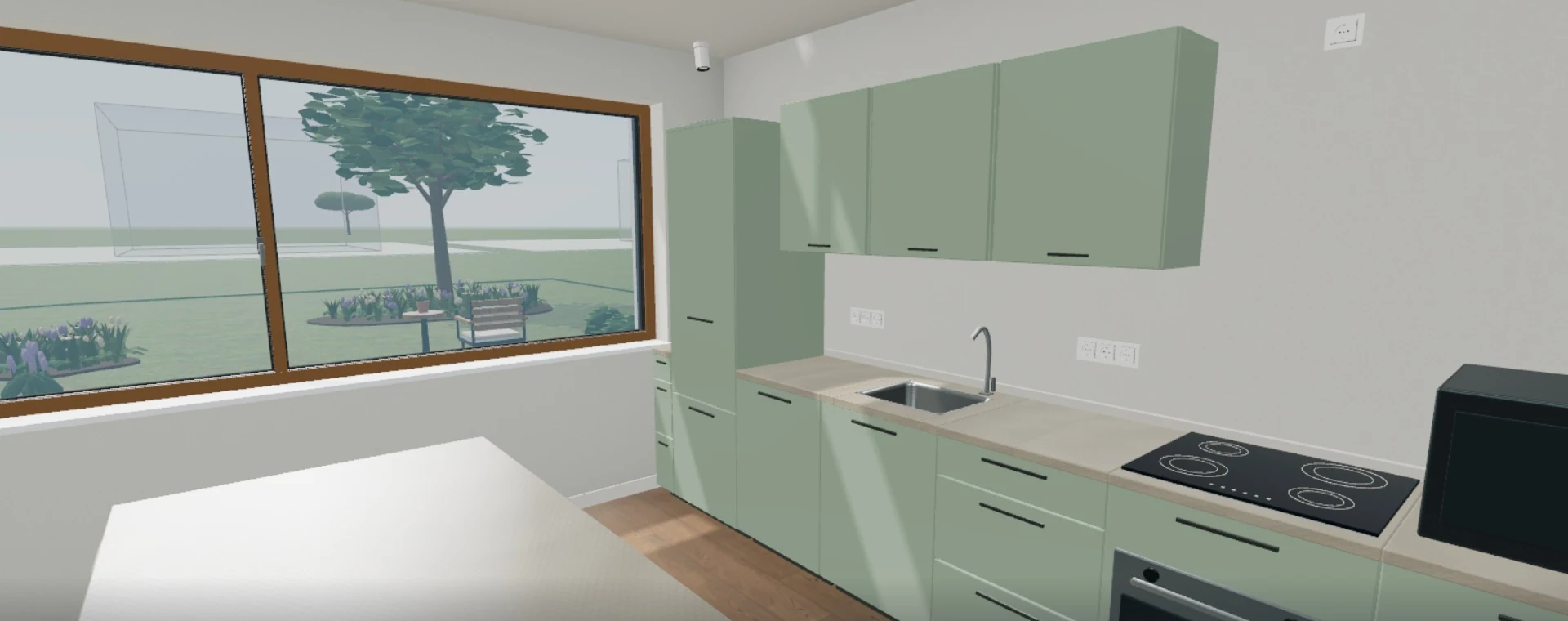
Single-family house new-build sample design · real views from Renaldo Studio · high level of detail. Furniture and decoration show a furnishing idea, not the included scope of work.
Open the matching Studio demo ↗Edit roof form, surfaces, insulation, windows and balconies on the building. See element quantities and the associated work items right alongside.
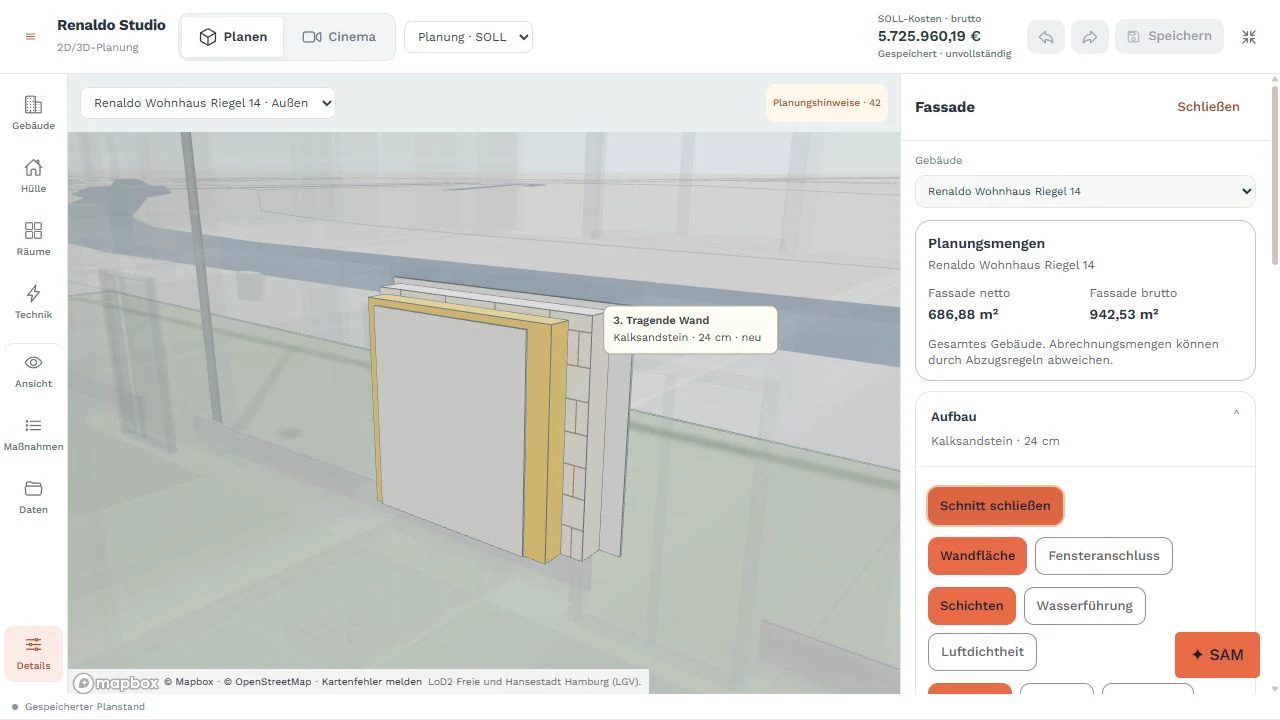
Pull layers apart in space and examine junctions. From the load-bearing wall through the insulation to the surface.
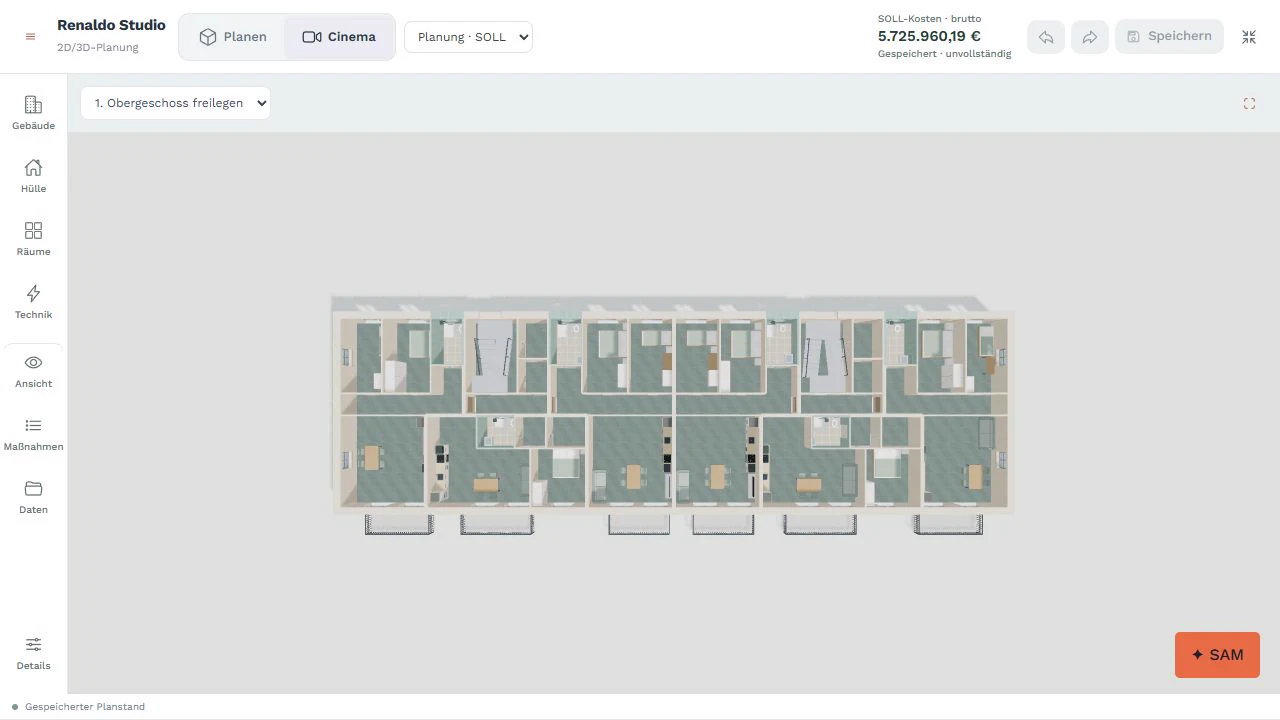
Open storeys, assign rooms and see floor plans in context. One design, different perspectives.
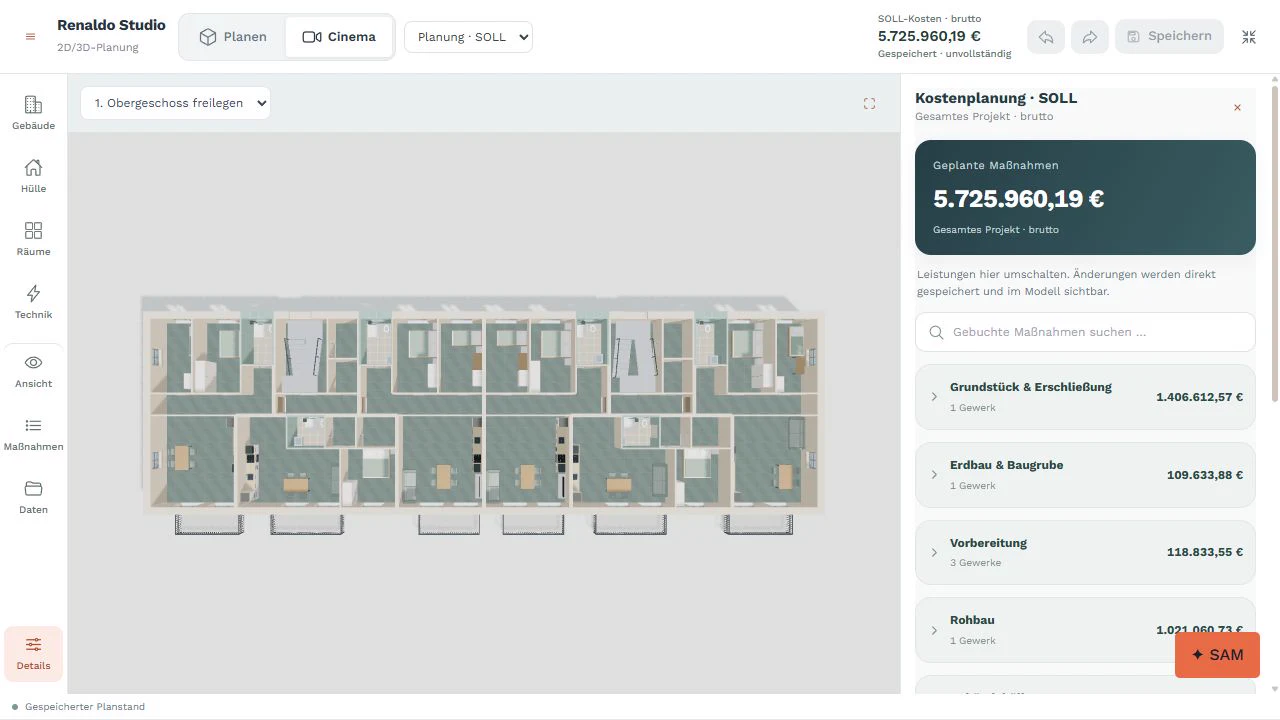
See planned measures and booked work items grouped by module and trade. Call up alternatives where they are needed.
SAM is available directly in Studio, even on your first try without signing in. It supports changes to materials, balconies and roof build-ups – by voice, too. SAM creates every change as a reviewable draft with the cost difference. Check the suggestions on the model and refine them with the tools. Several buildings can be planned in the same project.
Start in Studio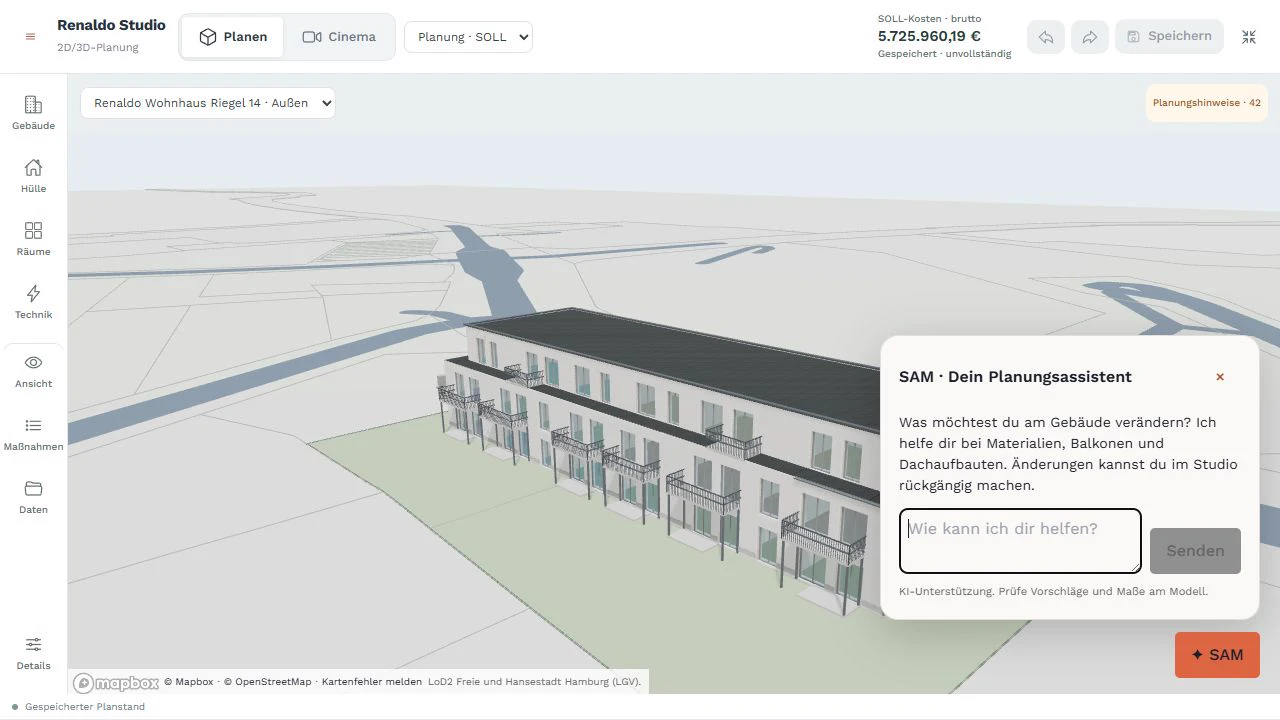
From your building model, Renaldo generates draft plans, cost calculations, bills of quantities and construction schedules at the push of a button. Blueprints and selected work items determine the scope. Review the results, adjust them and use them for procurement and delivery.
Discover the whole platform ↗The buildings in your portfolio appear together on the 3D map. Numbers and energy classes make connections visible. Select one building or several and develop an investment programme from them. Map, analysis, strategy and roadmap are connected directly in Studio.
For housing companies & portfolio owners ↗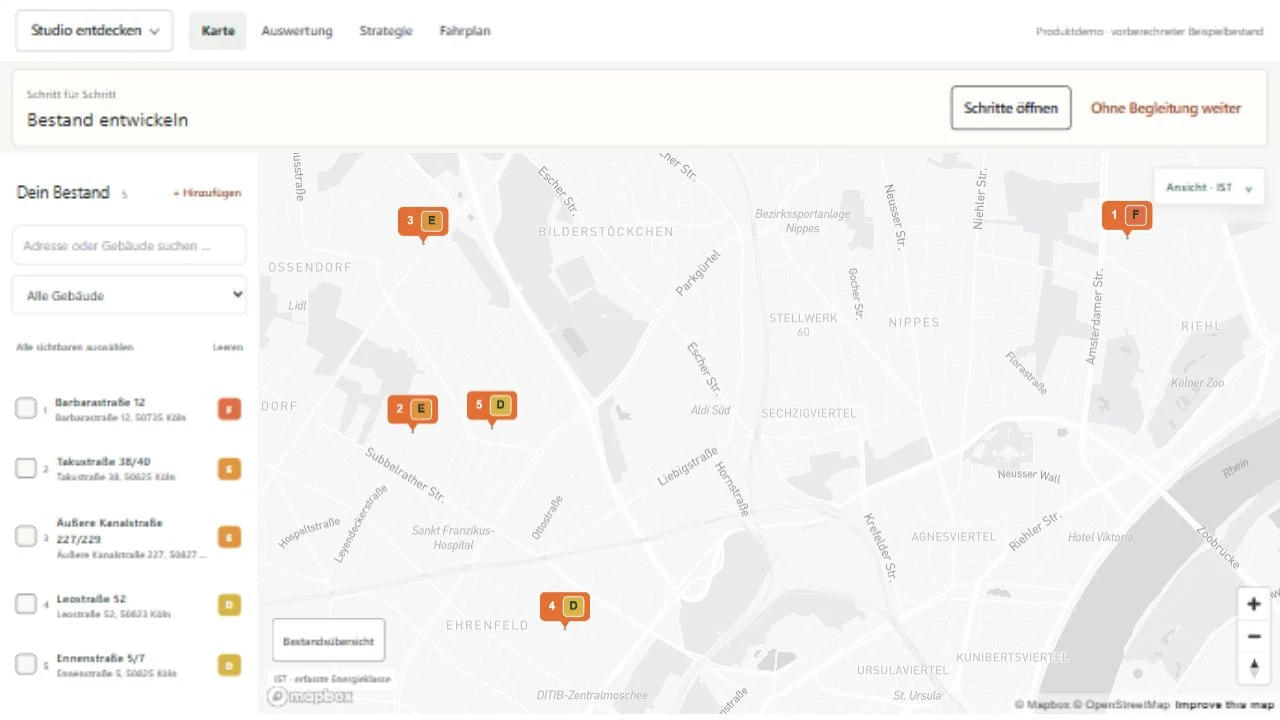
The year slider shows planned completions and the resulting target classes. The investment roadmap makes budget, construction phases and bottlenecks transparent.
Compare heating optimisation, envelope measures and renewable supply on the same map. See which buildings differ in measures, years, costs and energy class. Fixed versions are kept.
SAM helps with the selection and suggests changes to budget and measures. You check the cost impact and conflicts before you adopt the proposal in your draft.
You change the facade insulation on the building. The target state provides the basis for element quantities, costs and plans. The work items with quantities form the bill of quantities for tendering and award – right through to organising delivery.
The recorded existing building remains the reference: what is already there, which information is documented, where are details missing?
Planned elements and measures form the target state. Costs and planning documents belong to this state. The comparison shows what you are changing.
Approvals and awarded work are reviewed deliberately. Switching models never replaces an approval or overwrites completed agreements.
Plan without signing up, test everything with an account, then keep working for free with one project or book a package. Costs only arise from an explicit booking. Feasibility is part of Renaldo Studio: you see the preview even without signing in; scenarios, sensitivities, the site-check PDF and the exposé are included in every package.
Plan in Renaldo Studio and review every result, including the feasibility preview. Your draft stays in this browser for 30 days after your last change. PDFs, exports, building permit drafts and imports are available from the trial onwards.
Open Renaldo Studio ↗After signing up, all modules including team access. Your Studio draft comes with you. Plans and documents are available as watermarked PDFs; clean plans and data exports after the project is released.
Renaldo Start keeps one project for further planning, with the same feasibility preview as without an account. Every package includes site and feasibility analysis with scenarios, sensitivities, site-check PDF and exposé, plus unlimited projects, additional users and clean plans via project release.